.svg)

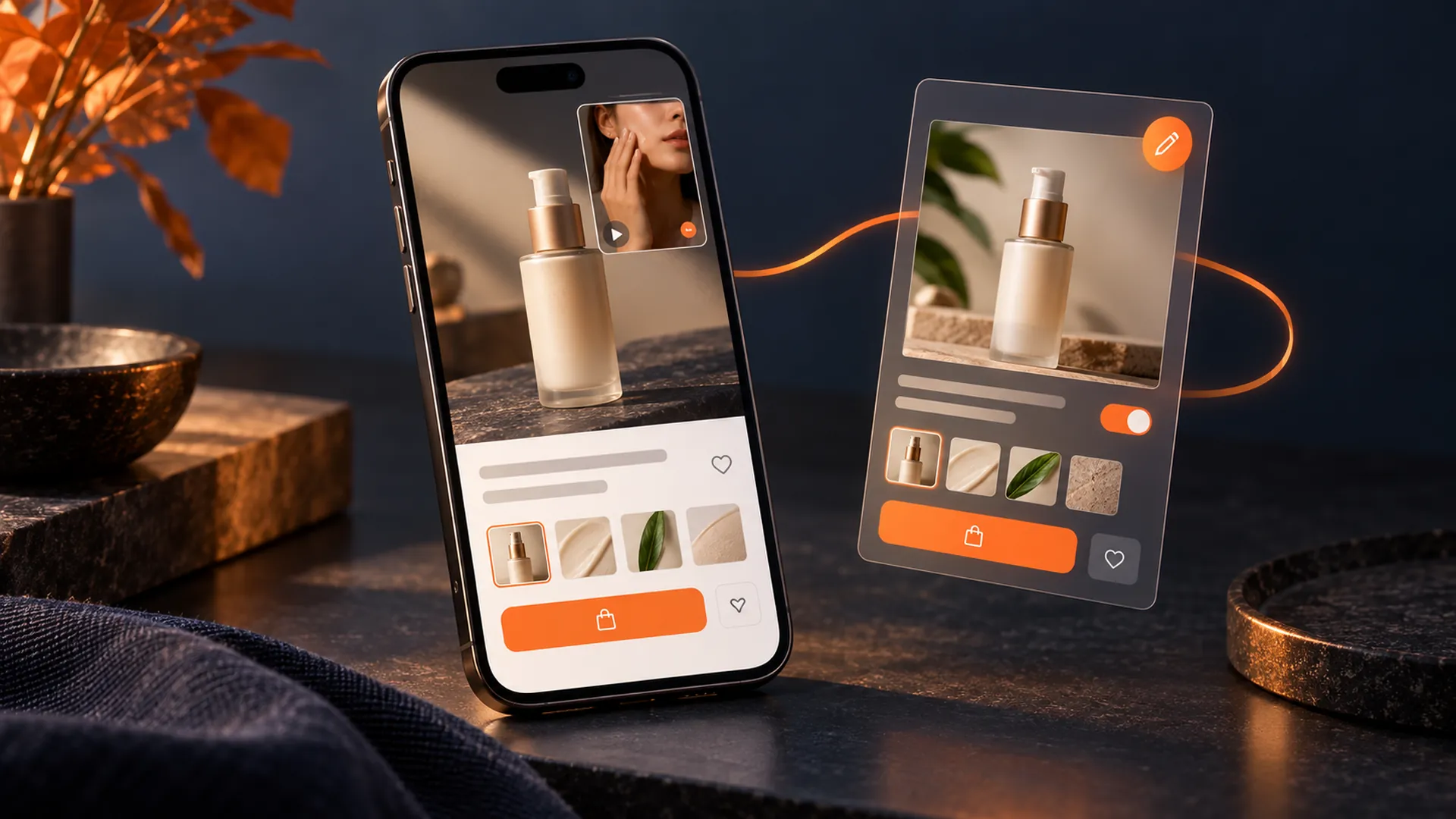
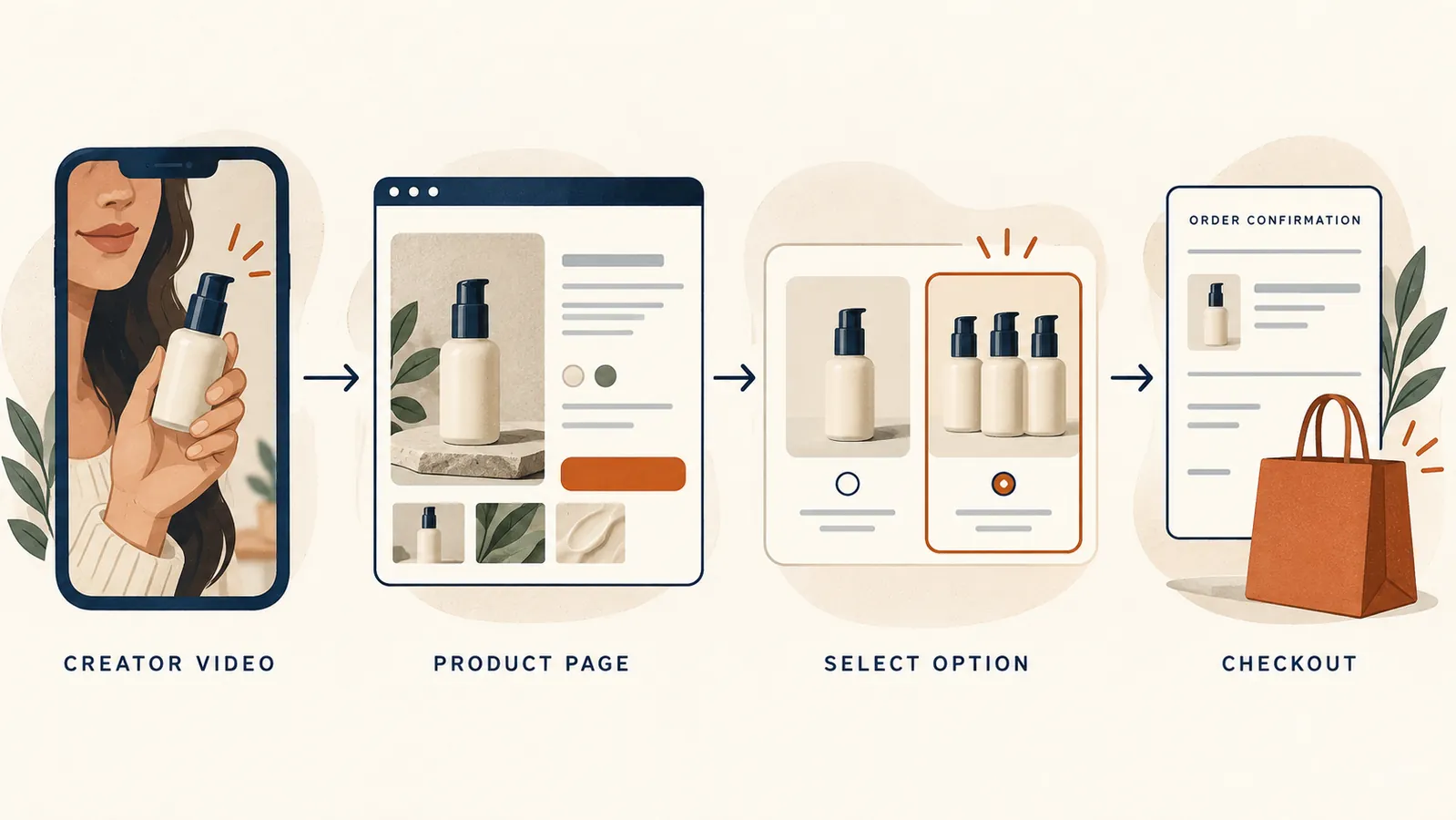
Consider a brand that wants to sell a multi-pack after creators have demonstrated its single bottle. Updating the offer raises a larger question: what happens to the videos, reviews and sample requests already attached to that product? For US TikTok Shop sellers, the answer depends on the type of change.
Yes, you can edit a TikTok Shop listing after creators post, provided minor changes still describe the same product; a redesigned or updated model needs a new listing under TikTok's listing guidance. Creator-link continuity depends on the specific edit or conversion, so check the product identity, affiliate settings and buyer journey before treating the update as complete.
The distinction matters because a working link is only part of the result. A shopper also needs to reach the intended item, understand the quantity and price, and be able to buy it. This guide explains how to make that decision and check the outcome.
In this guide: edits versus new listings; Seller Center review; product and SKU IDs; bundles and reviews; affiliate eligibility; a change checklist; and diagnosing a sales decline.
Minor updates to the same product can stay on its existing page. A redesigned or updated model needs a new listing. TikTok's US listing guidance draws that line so reviews, ratings and order data continue to describe the correct item.
Think about what the customer receives before deciding which field to edit. A sharper photograph of the same bottle improves the description of an existing product. A different formula or redesigned dispenser calls for a product-identity review. Keeping the brand name and packaging colour would not, on their own, establish that it is the same item.
Use this decision checklist:
That last distinction protects the meaning of the reviews as well as the buying experience. A customer who praises one version has not reviewed its replacement.
For the underlying work on titles, images and descriptions, use our TikTok Shop product-listing optimisation guide. This article addresses the extra decisions once a listing already has creator activity.
Go to Products > Manage Products, find the item and select Edit. TikTok's editing guide describes updates to names, categories, media, descriptions, prices, quantities, variations and shipping details. The availability of an editing field does not remove the requirement to represent the product accurately.
Prepare the change as a draft, review it with the people responsible for the product and creator programme, then submit it for review. Record the old and proposed versions before submitting, especially if price, package contents or variations are changing.
TikTok's editing guidance, displaying a September 2026 update, says edits are generally reviewed within 24 hours, which may extend to 48 hours during campaigns. It says the old version typically remains live until the revised version is approved. These are expected timings and behaviour, not a guaranteed launch window.
For planning, separate the submission time from the moment the new offer is visible to shoppers. If a creator is about to demonstrate a multi-pack, check the approved page before asking them to direct viewers to it. A saved draft cannot establish what the viewer will find.
A SKU ID change does not always break creator-linked videos. TikTok documents an exception that makes this clear, but first it helps to separate the identifiers.
TikTok's goods-matching guide distinguishes listing PIDs, variation SKUs and seller-defined merchant SKU IDs. Record all relevant identifiers before editing; a familiar seller reference is not enough to prove that the platform's product structure is unchanged.
In its regular-product-to-virtual-bundle conversion guidance, TikTok says the PID, sales, reviews and creator-linked shopping videos remain, while SKU IDs change and the original SKUs are deleted. That is evidence for a specific conversion. It is not a migration guarantee for deleted products, replacement listings or third-party integrations.
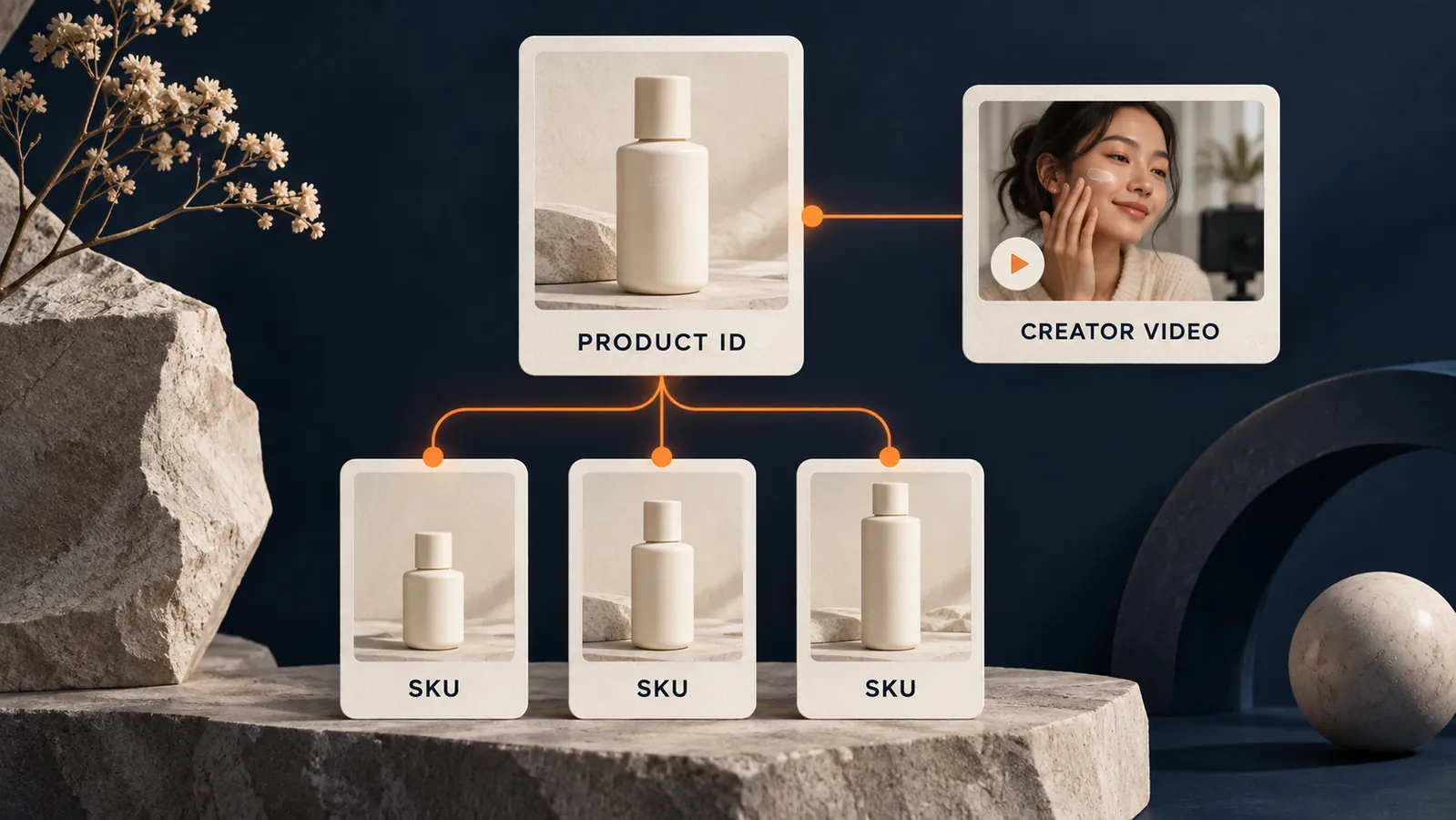
Do not assume that creating a new product moves existing videos to it. The continuity described above concerns a conversion that keeps the PID. For a replacement listing, identify the affected videos and share links, open their current destinations and agree the next promotion with the creators involved.
There are two useful checks: whether the link opens, and whether it opens the right offer. A video demonstrating one bottle could still lead to a page whose most prominent option is a larger pack. Even when the technical connection works, review the quantity, selected variation and checkout price from the shopper's perspective.
Our TikTok Shop affiliate programme guide covers the wider creator relationship. For a listing change, give creators a specific explanation of the offer and destination that changed, rather than a general instruction to update their content.
The outcome depends on how the bundle is created. A variation, a manufacturer-packed set and a virtual bundle are different structures. Choose the structure before deciding whether to edit the current page.
TikTok's general listing guidance describes manufacturer-created bundles and multi-packs as prepacked offers with their own Global Trade Item Number, or GTIN. Separately, its Virtual Bundles guide describes a feature available to allowlisted sellers. The virtual-bundle workflow should not be read as blanket permission to combine unrelated products through ordinary variation fields.
TikTok supports adding certain same-product multi-pack options under an existing product. Other bundle routes create a new PID. Check the option available in your Seller Center and what it does to the existing product before proceeding.

Beyond the retained reviews and videos described above, TikTok identifies consequences that need separate attention:
The practical implication is easy to miss: retained reviews do not mean every setting has carried over. Before converting, assign someone to check samples and promotions, and have the fulfilment owner confirm the inventory mapping. Afterwards, inspect the actual state instead of treating a successful conversion message as the end of the work.
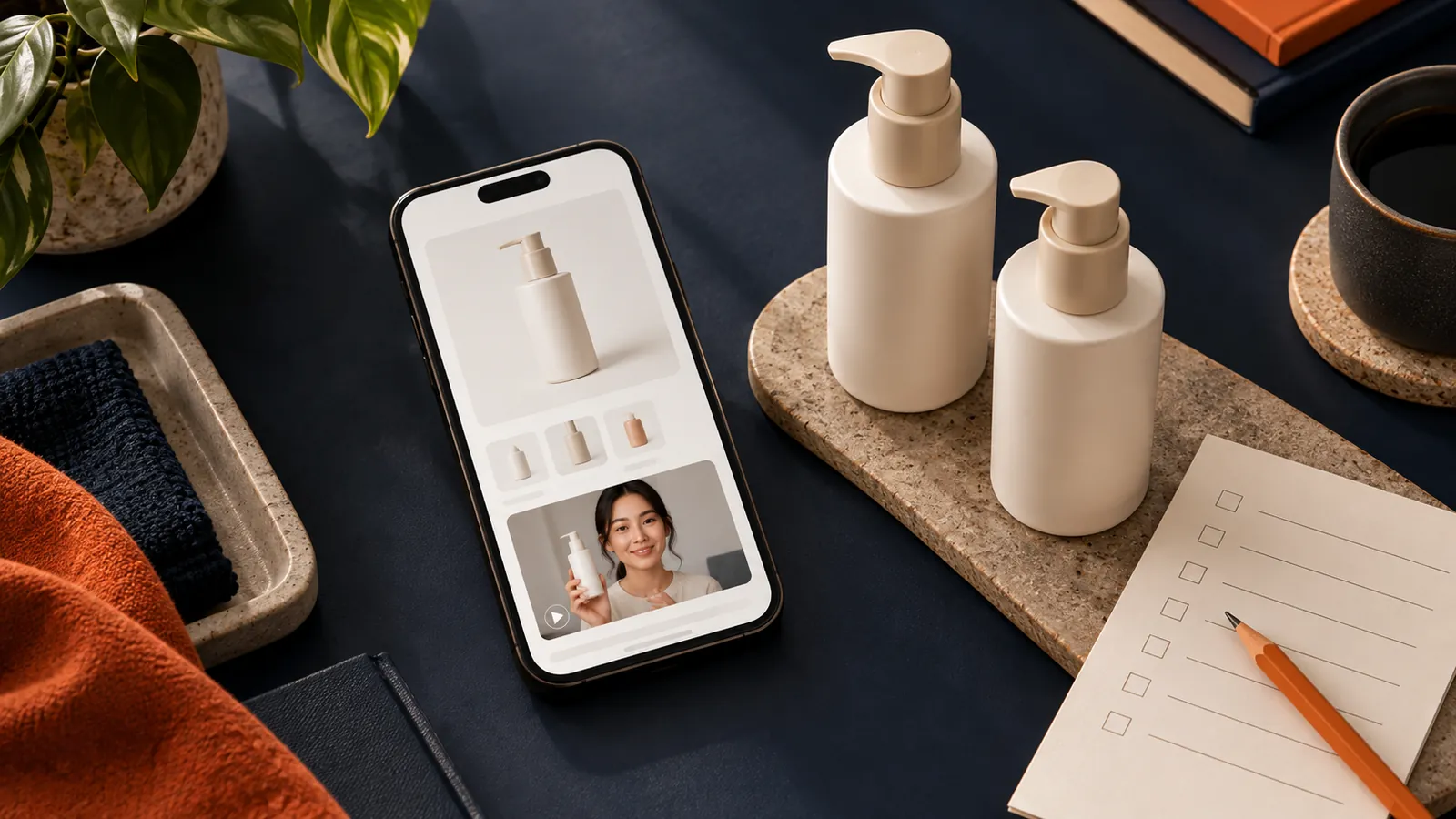
Listing quality, customer feedback and affiliate access are separate checks. A better product image does not establish that a product is eligible for affiliates, and a live product page does not confirm which commission applies.
TikTok's listing-quality guidance uses Poor, Fair and Good tiers to assess the page's information and presentation. Capture the tier and any recommendations before editing so you can see whether the update addressed the intended problem.
In Affiliate Center, check Open and Target Collaborations and the active rate for the relevant creator. TikTok's collaboration guide says a Target Collaboration rate takes precedence over the Open rate for that creator and product. Review the rate's status and effective period separately from a product-price change.
Go to Seller Center > Account health > Voice of Customer. TikTok's VoC guide describes a comparison with the category average, drawing on product and fulfilment feedback. Check the data period and last update time as well as the index. Those dates help distinguish feedback about earlier orders from anything that happened after your edit.
TikTok's July 2026 policy summary says VoC became the primary affiliate-product eligibility metric from 7 May 2026, with below 1.5 stated for qualification and greater than 3 for disqualification. Its fuller Affiliate Marketing Policy also describes warnings and restrictions on adding products when the qualification threshold is exceeded, while existing collaborations are not automatically affected by that warning alone. Shop eligibility and other product-policy requirements also apply.
Use the live eligibility status alongside those rules. A warning, a restriction on adding products and termination of an existing collaboration are different outcomes. A numerical change should prompt you to establish which one has actually occurred.
If feedback identifies an inaccurate quantity description, revise the listing. If it identifies wrong or damaged items, involve fulfilment. The issue breakdown is more useful than assuming that a title edit will repair every customer-experience problem.
Use a change record that connects the proposed edit with the things the team must verify. The following is an editorial checklist, not a TikTok-mandated procedure.
Keep the record small enough to use. Its value is that someone can later establish what changed, when buyers saw it and which checks passed.
A decline after an edit establishes timing, not causation. Start with the buyer journey, then work through availability, the offer, traffic and attribution.
If a link no longer reaches a purchasable option, investigate the destination, stock and product status. If it works but fewer visitors buy, compare the selected variation, quantity, displayed price and promotion with what the video promises. If fewer people arrive in the first place, check creator posting, paid activity and the comparison period before blaming the revised page.
Finally, distinguish a decline in total orders from a decline in orders attributed to creators. That separation helps determine whether the problem is the offer's performance, the recorded source of sales, or both. Control for seasonal and campaign differences where possible; a heavily promoted week is a poor baseline for an ordinary one.
The question at the end of a listing change is practical: does a buyer arriving from a creator's video still find the intended product, at the expected quantity and price, with a working route to purchase? The page, affiliate settings and fulfilment setup should support the same answer.
For a brand preparing a change across several products, request a listing and creator-link review through eCOMMop's TikTok Shop management team. The review can cover listing identities, destinations, collaboration settings and the buyer journey, with UGC and affiliate marketing support for the creator work that follows.
Most agencies own a slice. The TikTok agency doesn't see your Amazon listing performance. Your Amazon manager doesn't know what's going viral on TikTok. Your Shopify CRO consultant doesn't see either.
We see all of it. Same team, same dashboards, same weekly review. When a TikTok video starts converting at 4×, we know to push that creative into Amazon Sponsored Brands and Shopify paid social — that same week. When Amazon shows a SKU running hot in Texas, we ramp creator seeding for that geo.
That's what "one engine" means in practice. One team. One dataset. One P&L view.